Introduction
I spend a good amount of time in meetings, and over time I started using different tools around them. MacParakeet is great for local meeting transcription, Fellow is useful for meeting recaps and action items, and Obsidian is where I keep my own notes and long-term knowledge base.
The problem was not generating meeting notes. The problem was keeping them in the right place.
I often had a transcript in one tool, a summary in another, and my own notes somewhere in Obsidian. When I wanted to go back to a meeting days or weeks later, I had to remember where each piece of information lived. That got annoying quickly, especially for recurring meetings.
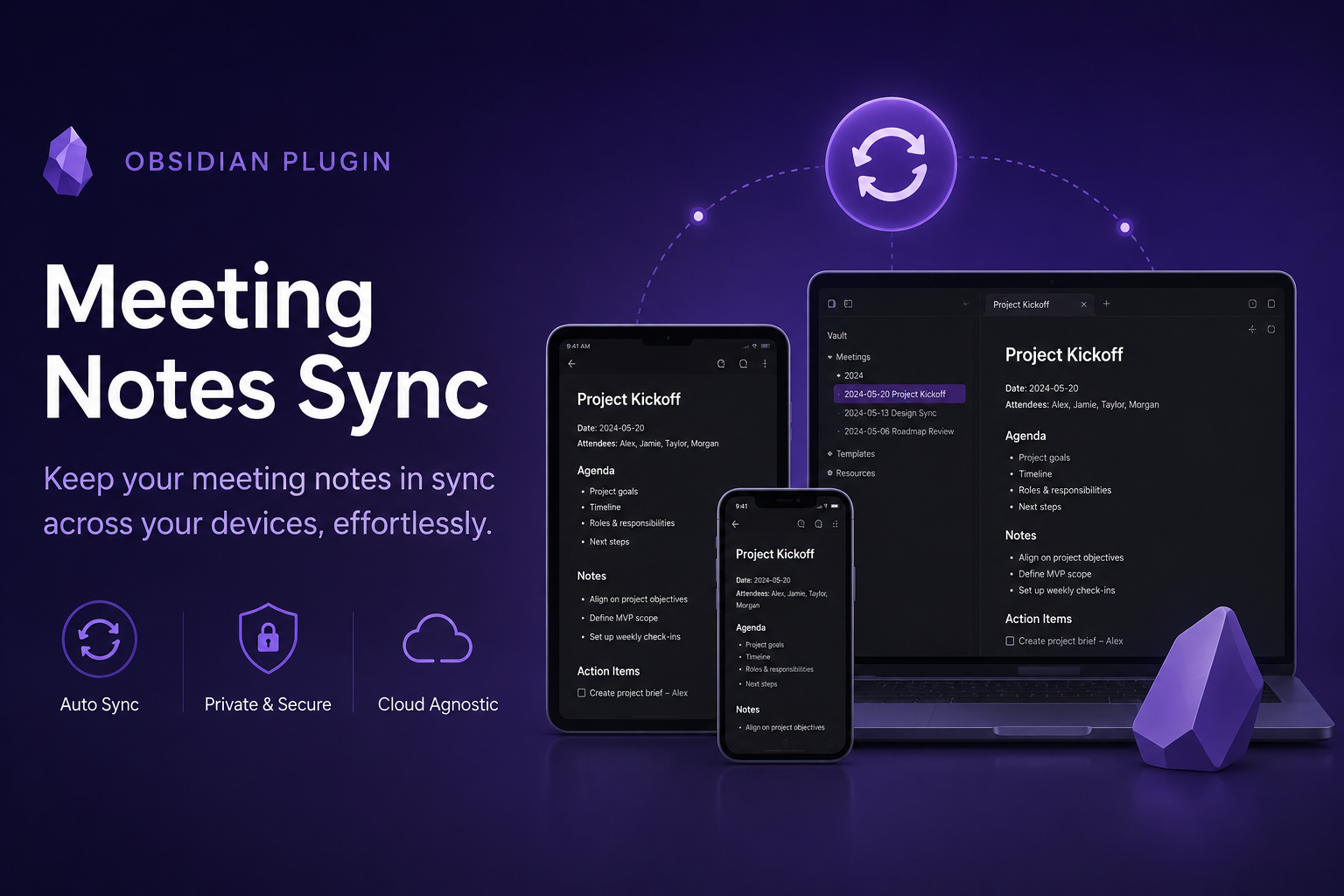
So I built Meeting Notes Sync, an Obsidian plugin that syncs meeting transcripts, notes, and AI summaries into your vault.
I also wrote a companion meeting-notes agent skill, so tools like Claude Code and Codex can search those notes in a contextual way when you ask about past meetings.
The plugin is now available in the official Obsidian plugin list, so you can install it directly from Obsidian.
Why I built it
I wanted Obsidian to be the final archive for my meetings.
External tools are useful, and I do not want to replace them. They are good at recording, transcribing, summarising, or helping with follow-ups. But once a meeting is done, I want the useful output to live next to the rest of my notes, links, projects, and personal context.
There were a few things I cared about from the beginning:
- One place to search: if I remember something from a meeting, I want to search my Obsidian vault, not three different apps.
- No manual copy and paste: moving summaries and transcripts by hand is boring, easy to forget, and easy to do inconsistently.
- No duplicate meetings: if the same meeting exists in both MacParakeet and Fellow, I do not want two folders for it.
- Keep my own notes safe: the plugin should sync generated content, but it should not delete my own files or treat the source apps as the only truth.
That last point is important. My vault is the archive. If something disappears from a source app, I do not want that deletion to automatically remove it from Obsidian.
How it works
After installing the plugin, you enable the sources you want to use. At the moment it supports:
- MacParakeet, using its local command-line tool
- Fellow, using its API
Each source is optional. If you only use MacParakeet, you can enable only MacParakeet. If you only use Fellow, enable only Fellow. If you use both, the plugin can combine them.
When the plugin syncs, it creates one folder per meeting in your Obsidian vault. A folder can contain the meeting index, summaries, notes, action items, and transcripts depending on what is available and what you enabled.
For example, a meeting captured by both tools can end up with files like:
|
|
The source name in the filename makes it clear where each file came from. If the same meeting is found in multiple sources, the plugin tries to merge it into the same folder instead of creating duplicates.
Sync runs automatically after Obsidian starts and then at a configurable interval. You can also run it manually with Sync now.
A few design choices
I tried to keep the plugin practical rather than clever.
It is incremental, so unchanged meetings are skipped. It is also non-destructive: deleting a meeting in MacParakeet or Fellow does not delete the copy already imported into your vault.
Synced files are treated as mirrors of the source content and may be updated when the source changes. For my own thoughts, I prefer keeping separate notes in the same meeting folder. This keeps generated content and personal notes close together, without mixing ownership.
The plugin is desktop-only for now because the MacParakeet integration uses a local command-line tool. Fellow support works through its API, so you will need a Fellow plan and API access if you want to use that source.
Installation
The easiest way to install it is from Obsidian:
- Open Settings
- Go to Community plugins
- Search for Meeting Notes Sync
- Install and enable it
You can also open the plugin page directly from the official Obsidian plugin list.
The source code is available on GitHub: https://github.com/andreagrandi/obsidian-meeting-notes-sync
Using the notes with Claude and Codex
Getting meeting notes into Obsidian is only one part of the workflow. The other part is being able to ask useful questions about them later.
I often want to ask things like:
- “What did we decide about this project?”
- “Who owns that action item?”
- “Did we already discuss this in a standup?”
- “Open the notes from the last demo call.”
For that, I wrote a meeting-notes agent skill. The idea is simple: when Claude Code, Codex, or another skills-aware agent sees that you are asking about past meetings, it knows how to search your local Obsidian meeting notes instead of guessing from memory.
The skill uses local semantic search through QMD, so it can find notes by meaning, not only by exact keywords. It also returns the real source notes with dates and paths, so the answer can cite where the information came from. If you want to inspect the original note, you can ask the agent to open one of the cited sources directly in Obsidian.
This is the part I find most useful: the plugin keeps the meeting archive organised, while the skill gives agents a safe and repeatable way to consult that archive when I need context.
If you use the skills CLI, you can install the skill with:
|
|
The full instructions are in the meeting-notes skill repository.
Feedback welcome
This plugin started from my own workflow, but meeting workflows are very personal. Some people care mostly about transcripts, some about action items, some about recurring meeting history, and some about having clean folder structures.
If you try Meeting Notes Sync, I would love to know what works well and what feels awkward. In particular, I am interested in feedback about:
- Other meeting tools that would be useful to support
- Better defaults for folder structure and naming
- Recurring meeting workflows
- Ways to make merging meetings from different sources more obvious
- Better ways for agents to query and cite meeting context
- Anything that would make the plugin easier for non-technical users
If you have feedback, ideas, or bug reports, please open an issue on GitHub. Pull requests are welcome too.
My goal is simple: make it easier to keep useful meeting knowledge inside Obsidian, without turning meeting notes into yet another thing to manually organise.